
What is ERP Software? How ERP Works & Types of ERP Systems
March 28, 2023
ERPonTheNet+
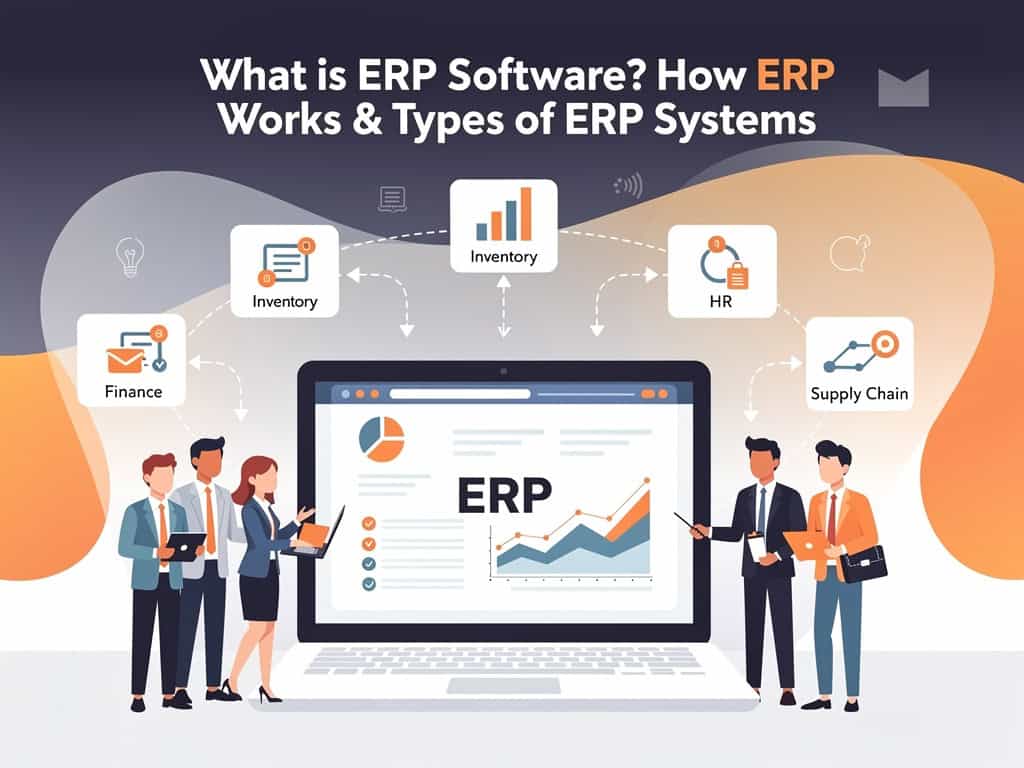
What is Enterprise Resource Planning (ERP) Software? How ERP Works and Types of ERP Systems
Companies need efficient ways to manage operations, improve productivity, and make data-driven decisions. As organizations grow, managing departments through separate software systems and spreadsheets becomes increasingly difficult.
This is where Enterprise Resource Planning (ERP) software comes in.
ERP systems help businesses integrate and automate their core operations, providing a centralized platform for managing everything from accounting and inventory to sales, manufacturing, and human resources.
In this article, we’ll explore what ERP software is, how it works, and the different types of ERP solutions available in the market.
What is Enterprise Resource Planning (ERP) Software?
Enterprise Resource Planning (ERP) is a business management software that integrates various business functions into a single system. It acts as a central hub where all departments can access and share information in real time.
Instead of using separate software for accounting, inventory, sales, and HR, ERP combines everything into one unified platform.
Common ERP Modules Include:
- Finance & Accounting
- Sales Management
- Customer Relationship Management (CRM)
- Inventory Management
- Procurement
- Manufacturing
- Human Resources (HR)
- Payroll
- Project Management
- Supply Chain Management
ERP software provides complete visibility across the organization, helping businesses operate more efficiently and make informed decisions.
Why Businesses Use ERP Software
Businesses implement ERP systems to:
- Automate repetitive tasks
- Improve operational efficiency
- Reduce manual errors
- Centralize business data
- Enhance collaboration between departments
- Improve customer service
- Increase productivity
- Gain real-time business insights
- Support business growth
ERP helps organizations streamline operations while reducing costs and improving overall performance.
How Does ERP Software Work?
ERP software works by collecting data from different departments and storing it in a centralized database.
Each department uses its respective module, but all modules are interconnected and share information automatically.
Example of ERP Workflow
Imagine a customer places an order:
Step 1: Sales Department Creates an Order
The sales team enters the customer order into the ERP system.
Step 2: Inventory is Updated
The inventory module automatically checks stock availability.
Step 3: Procurement is Triggered
If stock levels are low, the procurement module can generate purchase requests automatically.
Step 4: Production Planning Begins
For manufacturing companies, the production module schedules manufacturing activities.
Step 5: Accounting Updates Automatically
Invoices, payment records, and financial transactions are recorded instantly.
Step 6: Delivery and Customer Updates
Shipping information is updated, and customers receive order status updates.
All departments work from the same data source, eliminating duplicate entries and communication gaps.
Core Components of an ERP System
Finance & Accounting
Manages:
- General Ledger
- Accounts Payable
- Accounts Receivable
- Budgeting
- Financial Reporting
Inventory Management
Tracks:
- Stock Levels
- Warehouse Operations
- Inventory Movements
- Product Availability
Sales & CRM
Handles:
- Customer Information
- Quotations
- Sales Orders
- Customer Interactions
Procurement
Automates:
- Purchase Requests
- Purchase Orders
- Vendor Management
- Supplier Performance Tracking
Manufacturing
Supports:
- Production Planning
- Bill of Materials (BOM)
- Material Requirements Planning (MRP)
- Work Orders
Human Resources
Manages:
- Employee Records
- Attendance
- Leave Management
- Payroll Processing
Types of ERP Software
There is no single ERP solution that fits every business. ERP systems come in different forms depending on deployment and business requirements.
1. On-Premise ERP
Installed on a company’s own servers and managed internally.
Advantages:
- Full control over data
- High customization
- Enhanced security control
Best For:
Large enterprises with dedicated IT teams.
2. Cloud ERP
Hosted by the ERP provider and accessed through the internet.
Advantages:
- Lower upfront costs
- Easy implementation
- Automatic updates
- Remote accessibility
Best For:
Small, medium, and growing businesses.
3. Hybrid ERP
Combines both cloud and on-premise infrastructure.
Advantages:
- Greater flexibility
- Gradual cloud migration
- Enhanced customization
Best For:
Organizations transitioning from legacy systems.
4. Industry-Specific ERP
Designed for specific industries such as:
- Manufacturing
- Healthcare
- Construction
- Retail
- Distribution
- Logistics
These solutions include specialized features tailored to industry needs.
How Many ERP Software Solutions Are Available?
There are hundreds of ERP solutions available worldwide, ranging from small business platforms to enterprise-grade systems.
Some of the most popular ERP software include:
For Small and Medium Businesses
- Odoo ERP
- ERPNext
- Zoho ERP Solutions
- Acumatica
For Mid-Sized Businesses
- Sage X3
- Acumatica
- Infor CloudSuite
For Large Enterprises
- SAP S/4HANA
- Oracle NetSuite
- Microsoft Dynamics 365
- Epicor ERP
Each ERP system offers unique features, pricing models, and industry-specific capabilities.
Key Benefits of ERP Software
Increased Efficiency
Automates routine business processes and reduces manual workload.
Better Data Accuracy
Eliminates duplicate entries and improves data consistency.
Real-Time Visibility
Provides instant access to business performance metrics.
Improved Collaboration
Connects departments through a shared platform.
Reduced Costs
Optimizes resources and minimizes operational inefficiencies.
Scalability
Supports business growth and expansion.
Enhanced Customer Service
Improves order processing, delivery tracking, and customer communication.
Who Needs ERP Software?
ERP software can benefit businesses of all sizes, including:
- Manufacturing Companies
- Retail Businesses
- eCommerce Stores
- Distribution Companies
- Healthcare Organizations
- Construction Firms
- Logistics Providers
- Service-Based Businesses
Any organization looking to improve efficiency and gain better control over operations can benefit from ERP implementation.
Enterprise Resource Planning (ERP) software is a powerful business management solution that integrates all key operations into a single platform. By connecting departments, automating workflows, and providing real-time visibility, ERP helps businesses improve efficiency, reduce costs, and support growth.
Whether you’re a startup seeking operational control or a large enterprise managing complex processes, the right ERP system can transform the way your business operates.
Investing in ERP is not just about technology—it’s about building a smarter, more efficient, and future-ready organization.